
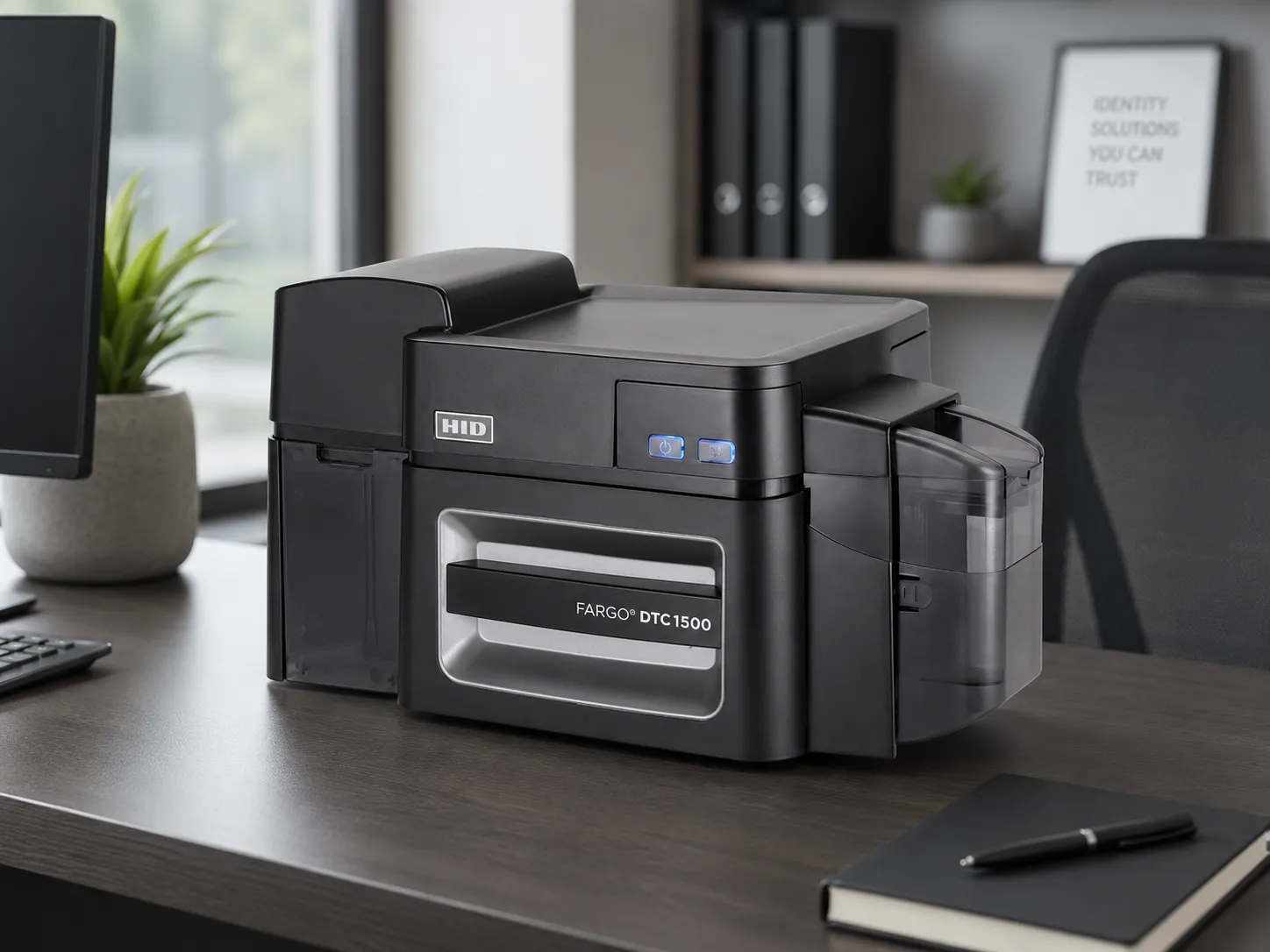
What Should You Look for in a Fargo ID Card Printer?
Before comparing individual models, it’s worth considering how your organisation will use its printer. The best choice isn’t necessarily the most expensive machine; it’s the one with the features and capacity appropriate for your card printing requirements.1. How many cards will you print?
Think about how many cards you need to produce each week or month, and whether you will print them individually or in batches. For example, a small office might only issue cards when new employees join. A school or university may need to print hundreds of cards at the beginning of an academic year. Consider the printer’s card input capacity, printing speed and ribbon yield, as well as how frequently you expect to use it.2. Do you need single-sided or dual-sided printing?
Single-sided printing is suitable for many straightforward ID card designs, particularly when all the necessary information fits on the front. Dual-sided printing provides additional space for information such as:- Employee or student identification numbers
- Barcodes and QR codes
- Emergency contact details
- Company or school information
- Cardholder instructions or terms of use
3. Will you print access control cards?
Some organisations need their ID cards to serve two purposes: visual identification and electronic access control. Both the Fargo DTC1250e and DTC1500 have optional encoding capabilities, depending on the printer configuration. However, printing a photograph onto an RFID or contactless card is different from electronically encoding the card. The correct card technology, printer options and compatibility with your existing access control system must all be confirmed before ordering.4. What are the ongoing running costs?
Alongside the initial printer cost, you should budget for colour or monochrome ribbons, blank plastic cards and routine cleaning supplies. Different Fargo models use different consumables. Always select ribbons using the exact printer model and manufacturer’s ribbon part number rather than assuming that ribbons are interchangeable.Fargo DTC1250e: A Compact Printer for Everyday ID Cards
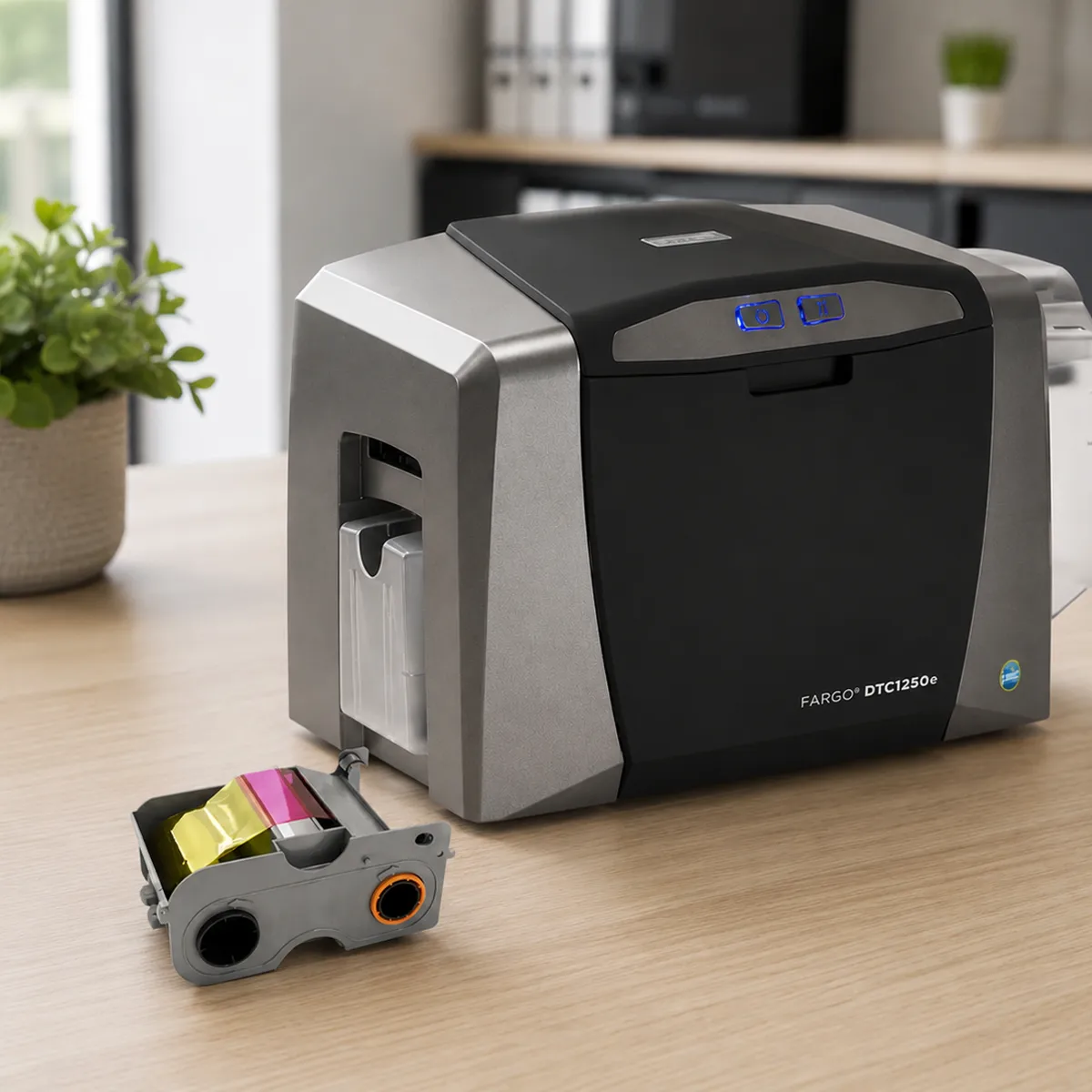 The Fargo DTC1250e is a compact direct-to-card printer intended for organisations that need to produce professional plastic ID cards without investing in a larger card issuance system.
It is particularly suitable for small and medium-sized businesses, offices, schools and organisations that print cards as required.
The single-sided model listed by Euro ID Warehouse produces full-colour cards with a standard 300 dpi print resolution, providing clear photographs, logos, text and barcodes.
The Fargo DTC1250e is a compact direct-to-card printer intended for organisations that need to produce professional plastic ID cards without investing in a larger card issuance system.
It is particularly suitable for small and medium-sized businesses, offices, schools and organisations that print cards as required.
The single-sided model listed by Euro ID Warehouse produces full-colour cards with a standard 300 dpi print resolution, providing clear photographs, logos, text and barcodes.
Key Features of the Fargo DTC1250e
- Single-sided printing: Suitable for standard employee ID cards, visitor passes and membership cards.
- Direct-to-card technology: Prints directly onto suitable plastic cards.
- 300 dpi standard resolution: Produces sharp text, photographs and graphics.
- Fast card production: Capable of printing up to 225 full-colour cards per hour under specified test conditions.
- Compact desktop design: Fits into office reception areas, administration departments and other workspaces.
- Optional encoding: Magnetic stripe and smart card encoding are available on appropriately configured models.
Who Is the Fargo DTC1250e Best Suited For?
The DTC1250e is worth considering if your organisation needs to print professional ID cards in-house but doesn’t require advanced card protection or automatic dual-sided printing. Typical applications include:- Employee identification cards for small businesses
- Student and staff cards for schools
- Membership cards for clubs and organisations
- Visitor identification badges
- Contractor and temporary staff ID cards
Fargo DTC1500: For More Demanding Card Printing Requirements
 The Fargo DTC1500 is designed for organisations that require additional security features, flexible card printing options and efficient card production.
The configuration listed by Euro ID Warehouse includes automatic dual-sided printing, making it suitable for organisations that regularly need to print information on both sides of their cards.
The DTC1500 also incorporates a custom watermark overlay capability, which allows organisations to add an identifying logo, symbol or text to the card overlay as an additional visual security feature.
The Fargo DTC1500 is designed for organisations that require additional security features, flexible card printing options and efficient card production.
The configuration listed by Euro ID Warehouse includes automatic dual-sided printing, making it suitable for organisations that regularly need to print information on both sides of their cards.
The DTC1500 also incorporates a custom watermark overlay capability, which allows organisations to add an identifying logo, symbol or text to the card overlay as an additional visual security feature.
Key Features of the Fargo DTC1500
- Automatic dual-sided printing: The model listed by Euro ID Warehouse prints on both sides without manually turning the card.
- 300 dpi standard resolution: Produces professional colour ID cards with clear photographs and text.
- Custom watermark overlay: Adds an additional visual security feature to printed cards.
- High-capacity ribbon options: Compatible ribbon configurations can provide up to 700 full-colour prints per roll.
- USB and Ethernet connectivity: Supports direct connection and networked printing.
- Optional encoding: Additional configurations support magnetic stripe and smart card encoding.
- Optional lamination: A compatible lamination module can provide additional card protection.
Who Is the Fargo DTC1500 Best Suited For?
The DTC1500 is a strong option for organisations that produce cards regularly, require additional card security features or need automatic dual-sided printing. Typical users include:- Medium-sized and larger businesses
- Schools, colleges and universities
- Healthcare facilities
- Government and public-sector organisations
- Businesses issuing employee and contractor credentials
Fargo DTC1250e vs DTC1500: Printer Comparison
Both printers use direct-to-card technology, but they are intended for different card issuance requirements.| Feature | Fargo DTC1250e | Fargo DTC1500 |
|---|---|---|
| Printing technology | Direct-to-card | Direct-to-card |
| Printing sides (listed configuration) | Single-sided | Automatic dual-sided |
| Standard resolution | 300 dpi | 300 dpi |
| Colour printing speed | Up to 225 cards/hour | Up to 225 cards/hour |
| Card input capacity | 100 cards | 100 cards |
| Ethernet connectivity | Optional | Included in listed model |
| Card encoding | Optional | Optional |
| Lamination | Not available | Optional |
| Custom watermark overlay | Not a standard feature | Supported |
| Typical application | Everyday desktop ID printing | More advanced card issuance |
Which Fargo Printer Should Your Organisation Choose?
Choose the Fargo DTC1250e if…
- You primarily need single-sided employee, student or membership cards.
- You want a compact printer for an office or reception desk.
- You print cards periodically or in moderate batches.
- You do not require built-in watermark customisation or lamination.
- You want a more affordable entry point into in-house card printing.
Choose the Fargo DTC1500 if…
- You need to print both sides of cards automatically.
- You want additional card security features, including custom watermark overlays.
- You regularly produce batches of identification cards.
- You require network connectivity as part of your printing setup.
- You may need optional lamination or encoding functionality.
Leave a Comment
Your email address will not be published. Required fields are marked *