
Product details
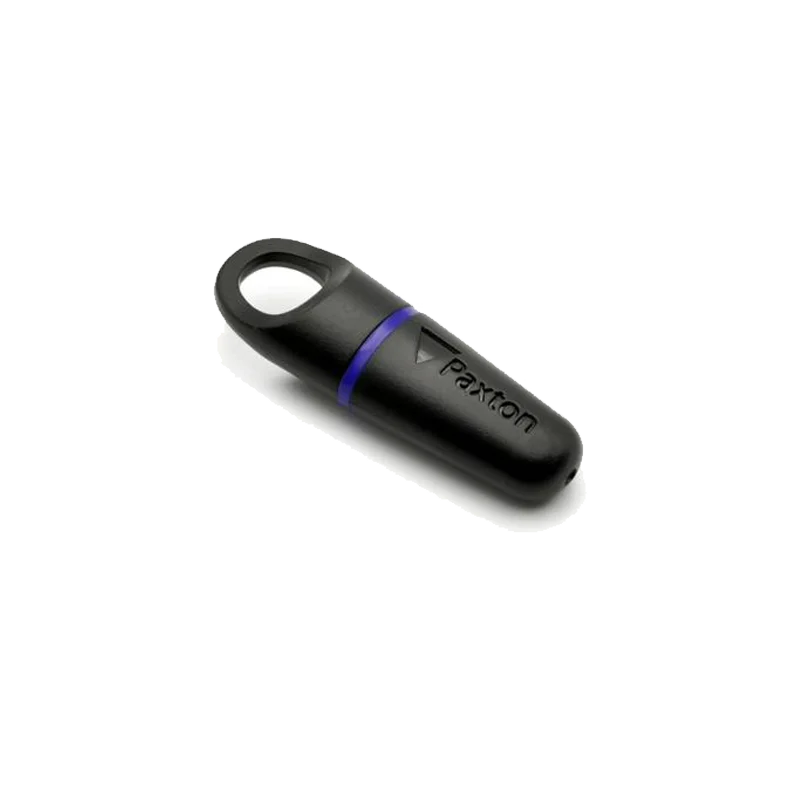
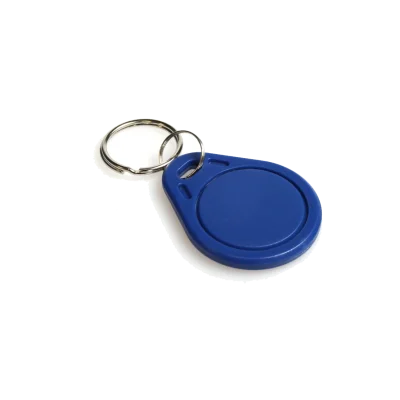
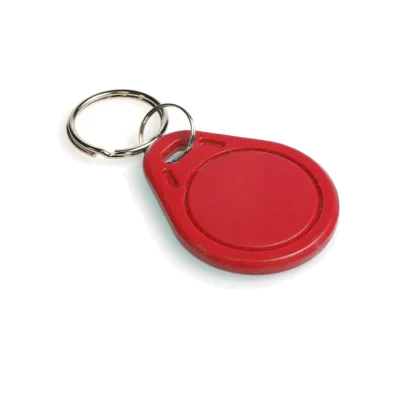
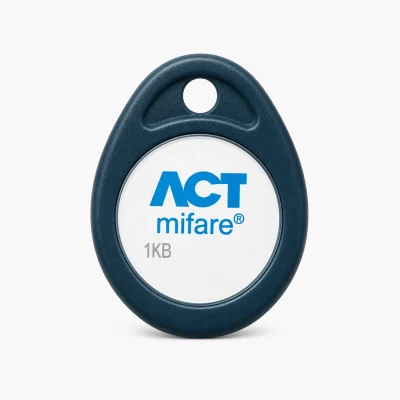
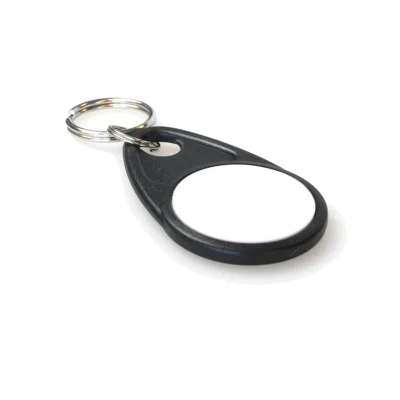
Paxton 695-644 Net2 Proximity Key Fobs
The Paxton 695-644 proximity key fobs are compact electronic credentials designed for use with the Paxton Net2 access control system.
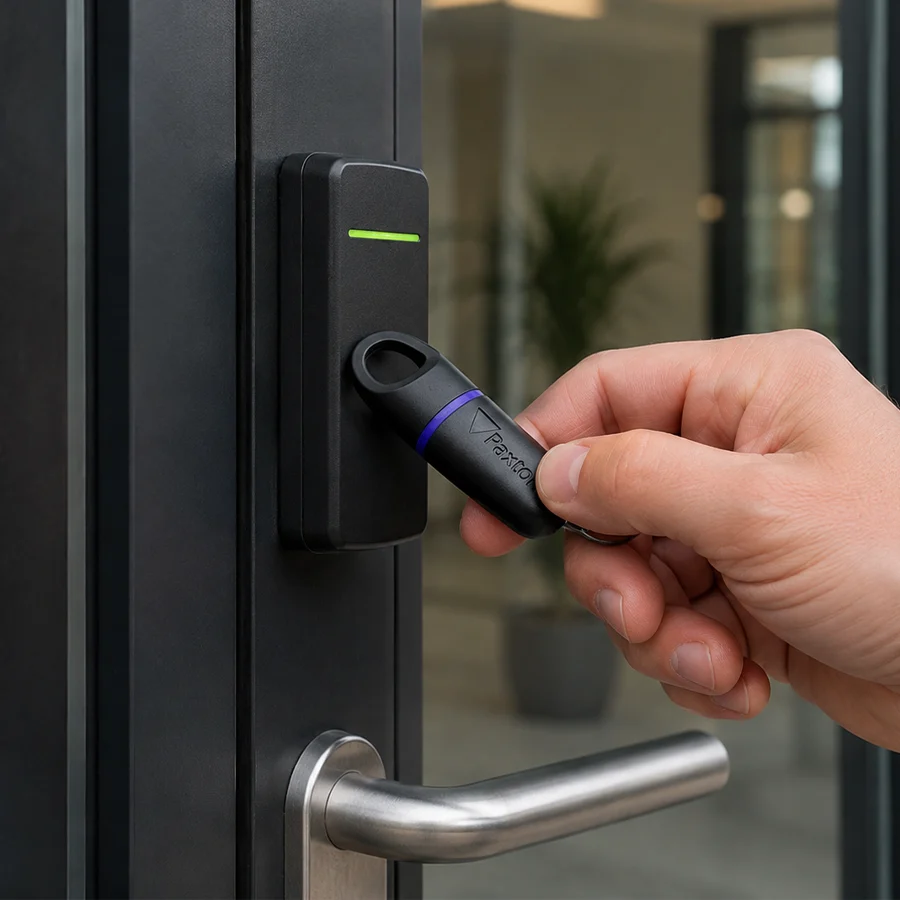
Each fob identifies an individual user when it is presented to a compatible Paxton reader. The Net2 system then checks that user’s permissions and decides whether the connected door should unlock.
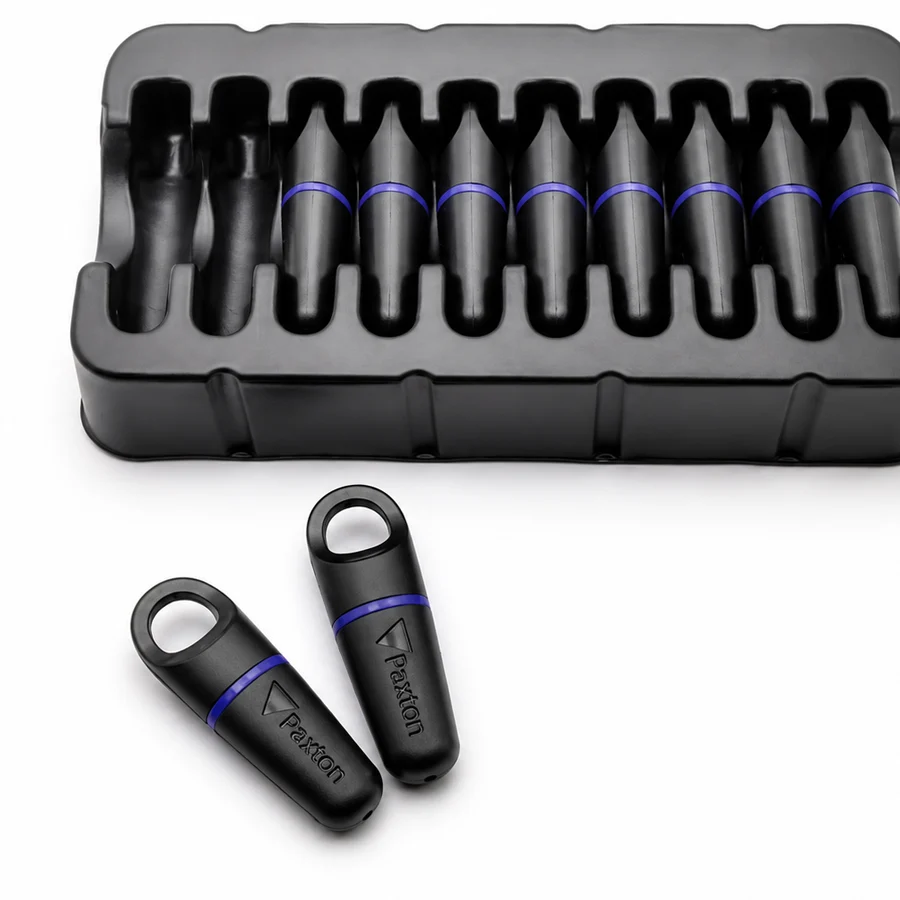
The fobs are supplied in a pack of 10 and are suitable for issuing to employees, residents, contractors, students and other authorised users.

Paxton Proximity Fobs
Genuine Paxton Item
Specifications
- Supplied in a pack of 10
- Designed specifically for Paxton Net2 systems
- Operates at 125kHz
- Enrolled using Net2 software and a desktop reader
- Access permissions are managed centrally in Net2
- Reader grants or refuses access immediately
- Proprietary Hitag2 credential authentication
- Moisture-resistant ABS plastic construction
How Do These Paxton Net2 Fobs Work?
Each fob contains contactless credential technology with its own token identity. When the fob is held close to a compatible Paxton reader, the reader detects it and communicates with the Net2 access control system.
The system looks up the user connected to that fob and checks factors such as:
- Which doors the user may enter
- The days on which access is permitted
- The times during which access is allowed
- Whether the credential is currently valid
- Whether the fob has been barred or disabled
If the user has permission, the Net2 controller releases the door. If the credential is not recognised or does not have permission for that door, access is refused.
Paxton states that the access permissions are looked up as soon as the token is presented to the reader.
Do these Fobs Need To Be Encoded?
The fobs must be enrolled in the Net2 system before use, but they are not normally encoded with individual door permissions in the same way as a data-on-card credential.
Each fob already contains its own Paxton credential identity. To issue it, the administrator:
- Creates or selects the user in the Net2 PC software.
- Enters the user’s relevant details.
- Presents the fob to a compatible Paxton desktop reader.
- Assigns the detected token number to that user.
- Applies the required access permissions in Net2.
Once the token has been entered into the software and linked to the user, it is ready to use.
This means the fobs should not simply be handed out directly from the pack. Each one must first be registered to the correct person in the Net2 database.

There are no reviews yet.